QuickPalm Detector
Control your PC with a wave of your hand.
QuickPalm Detector turns your webcam into a touchless remote control. Show your palm, hold up fingers or swipe in the air to open websites, launch apps, press hotkeys or control your media, no extra hardware needed.
See it in action
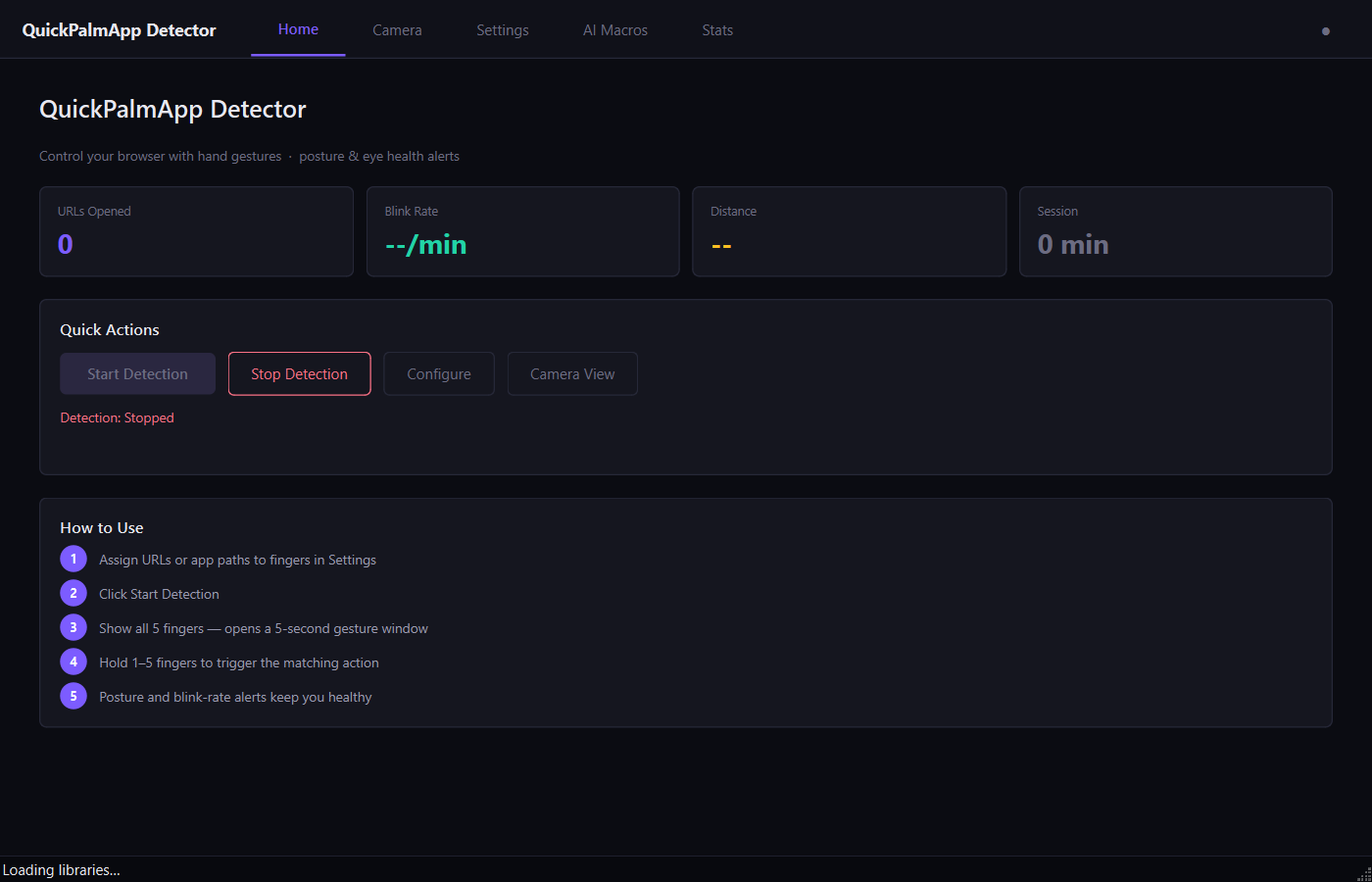
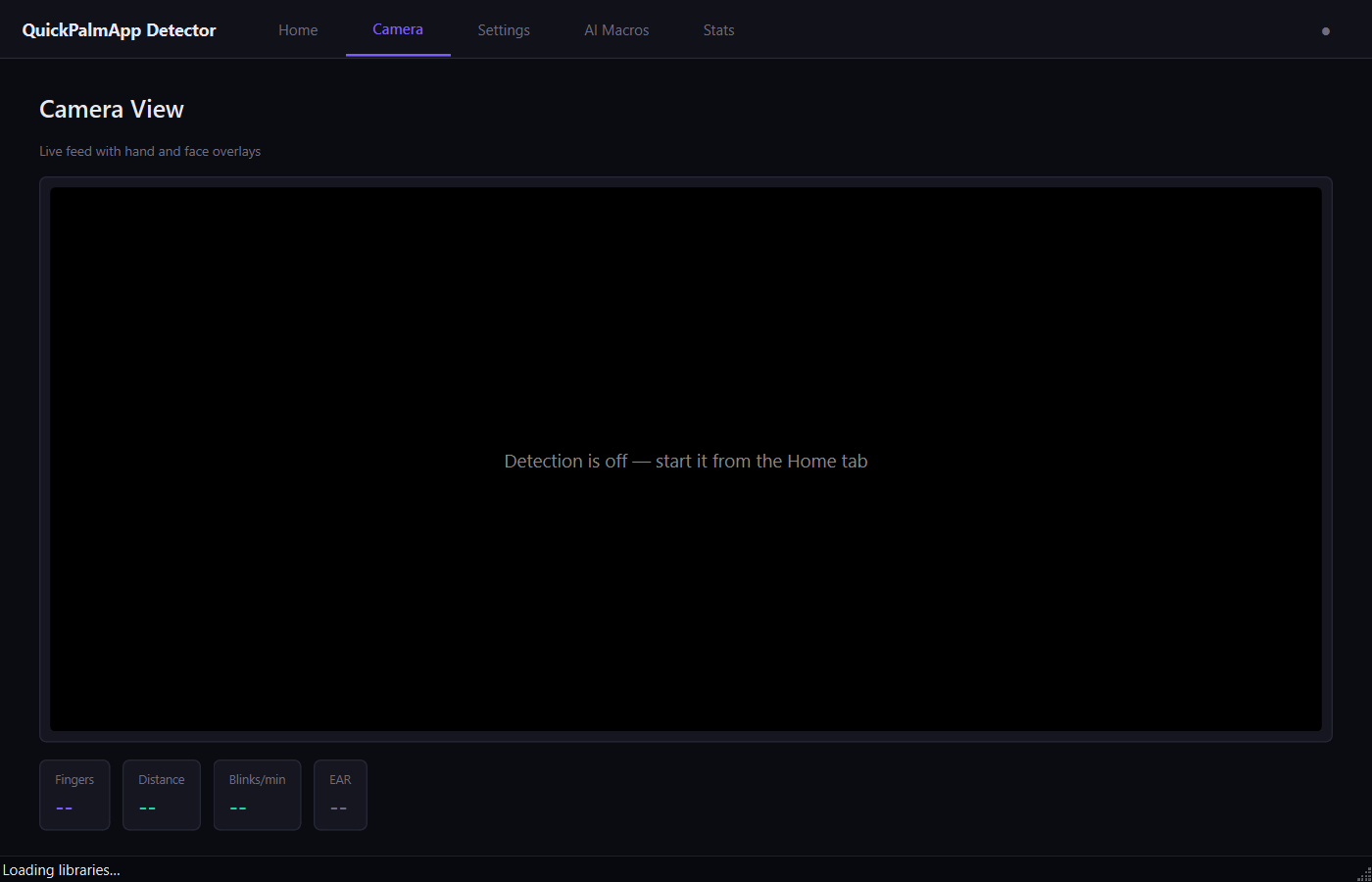
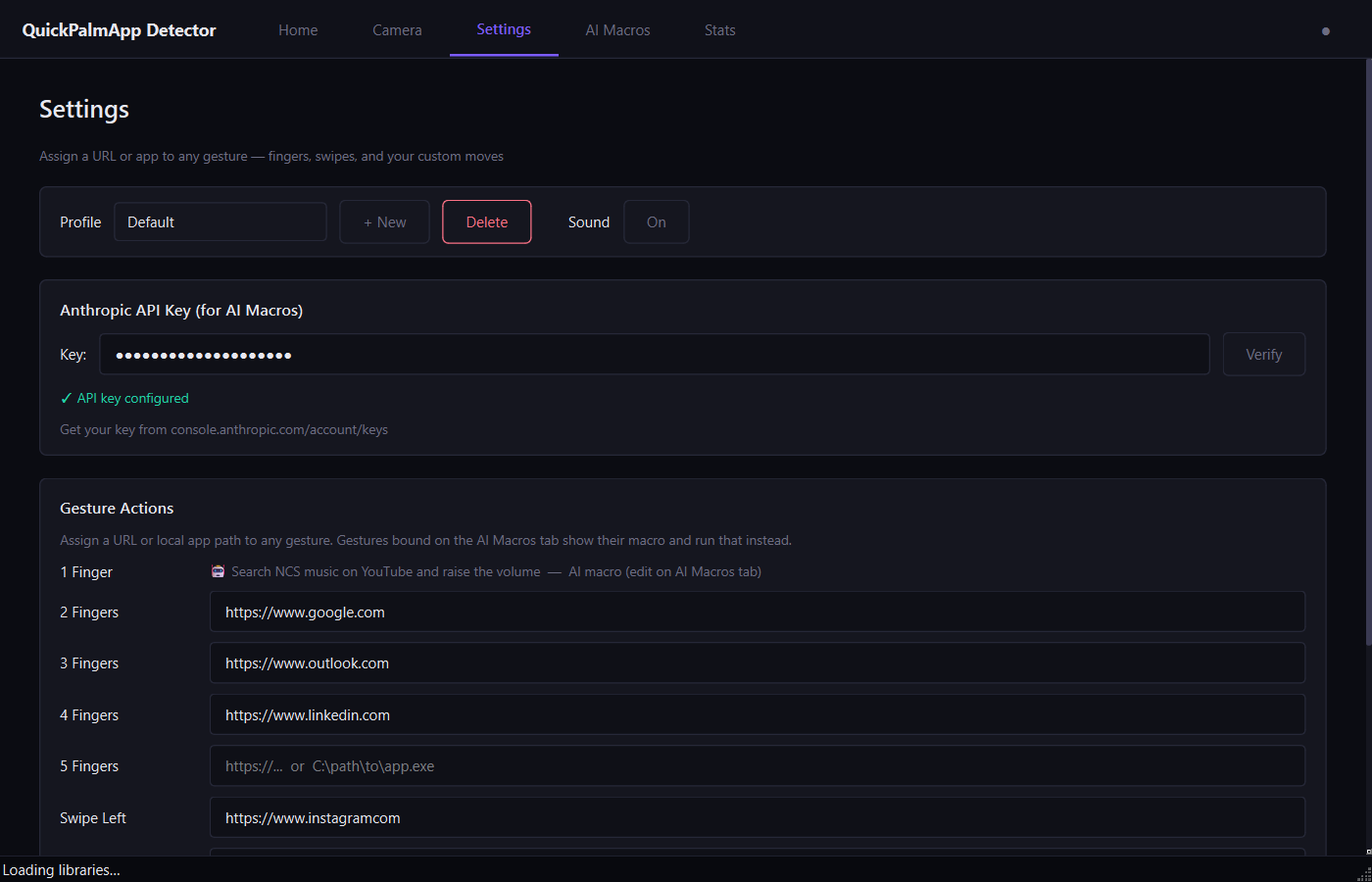
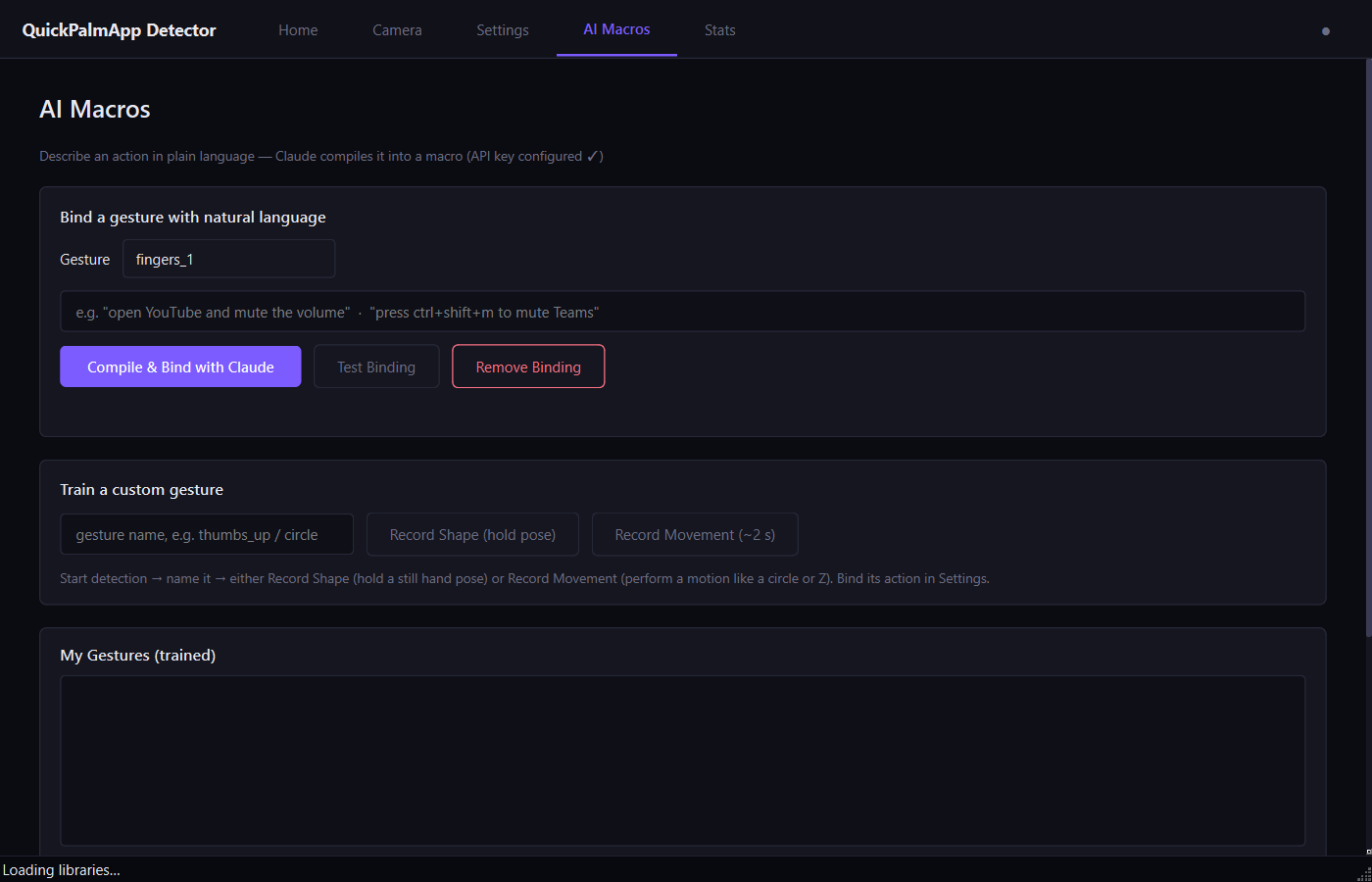
Demo Video
Built for Engineers
Finger-count, swipe & custom gestures
Train any hand pose in seconds, or chain gestures into macros.
Real-time ~30 fps, fully on-device
Your camera feed never leaves your PC. No cloud, no latency.
AI macros via plain English
Type "open YouTube and mute" and Claude compiles it into an action.
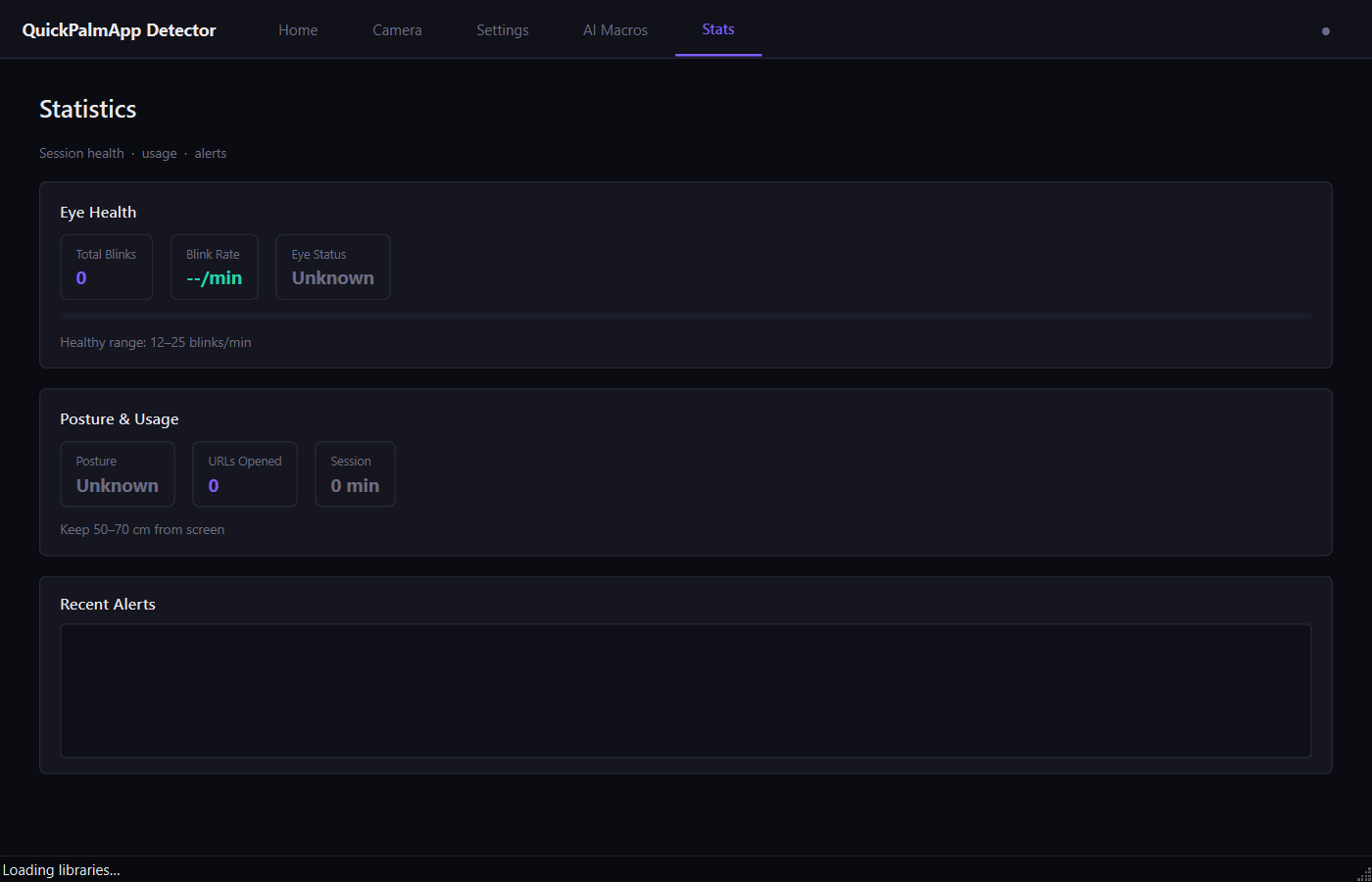
Blink-rate & posture alerts
Tracks eye health and reminds you when you sit too close.
Lightweight Windows tray app
Runs silently in the background, zero performance impact.
MCP & AI assistant integration
Works with Claude, Copilot and other AI assistants out of the box.
System Requirements
- Windows 10 / 11
- Webcam (any)
- Python 3.10+ (included)
- 4 GB RAM
- No GPU required
This is a demo version
The build you can download here is the demo. Some of the most powerful features are reserved for the upcoming Advanced apps. Enter your email and we'll notify you the moment the full Advanced version is out.