QuickPalm Blocker
Take back control of your Android.
QuickPalm Blocker uses Android's Accessibility Service to block distracting apps and websites in real time. Open a blocked app and it's intercepted with a full-screen block you can't back out of; try a blocked site in any of 15+ browsers and you're redirected away. Getting past a block needs your password, with optional timed bypasses and a persistent on-screen countdown that re-blocks automatically.
Enable "Install from unknown sources" on your Android device before installing.
See the app
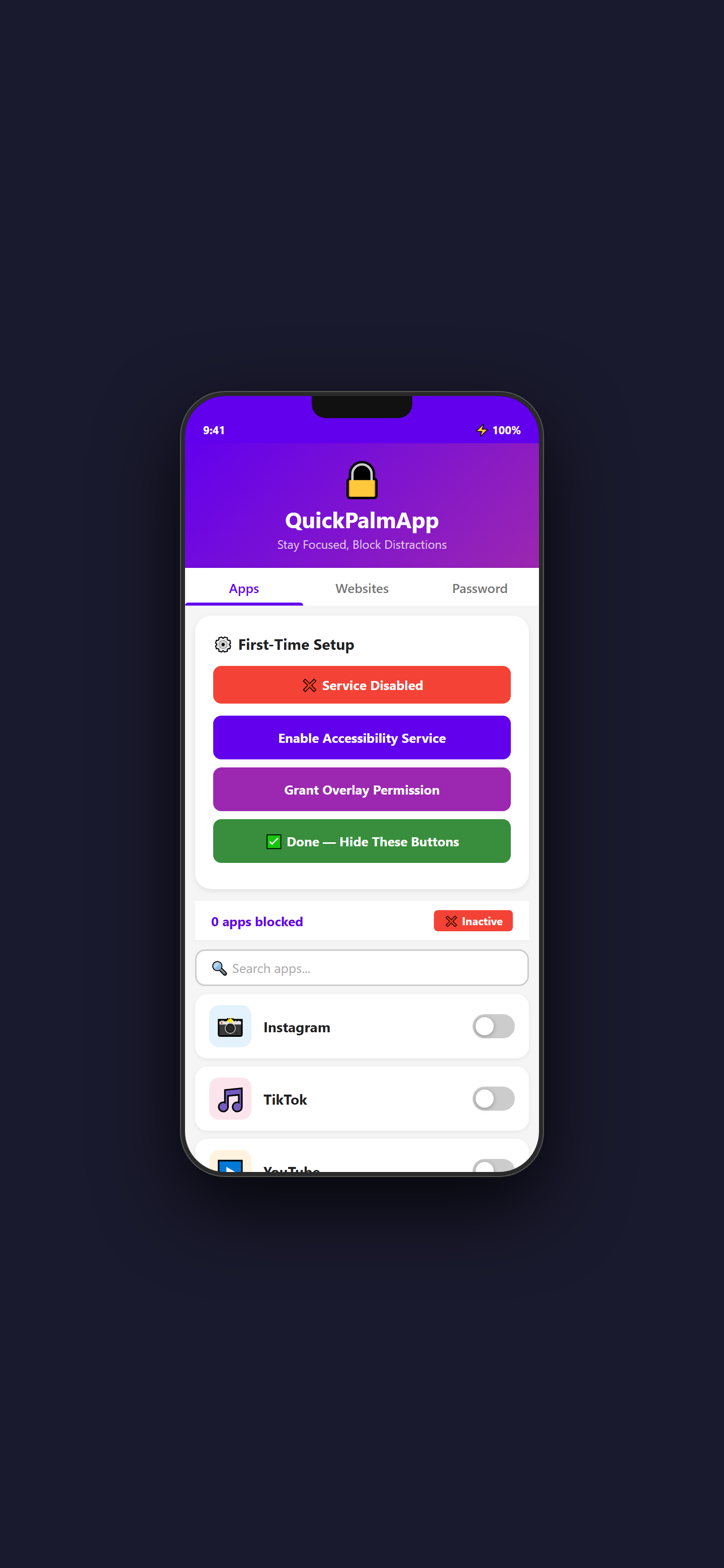
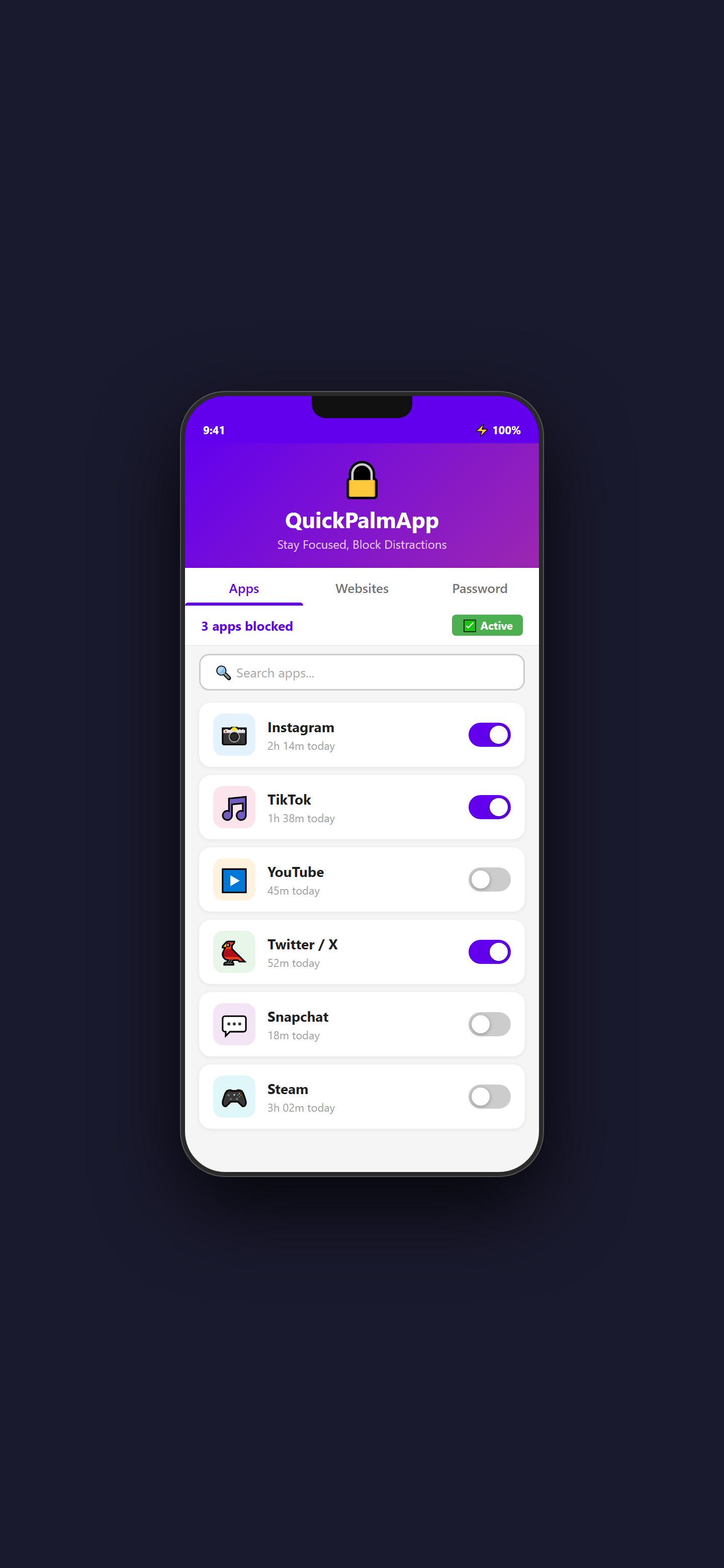
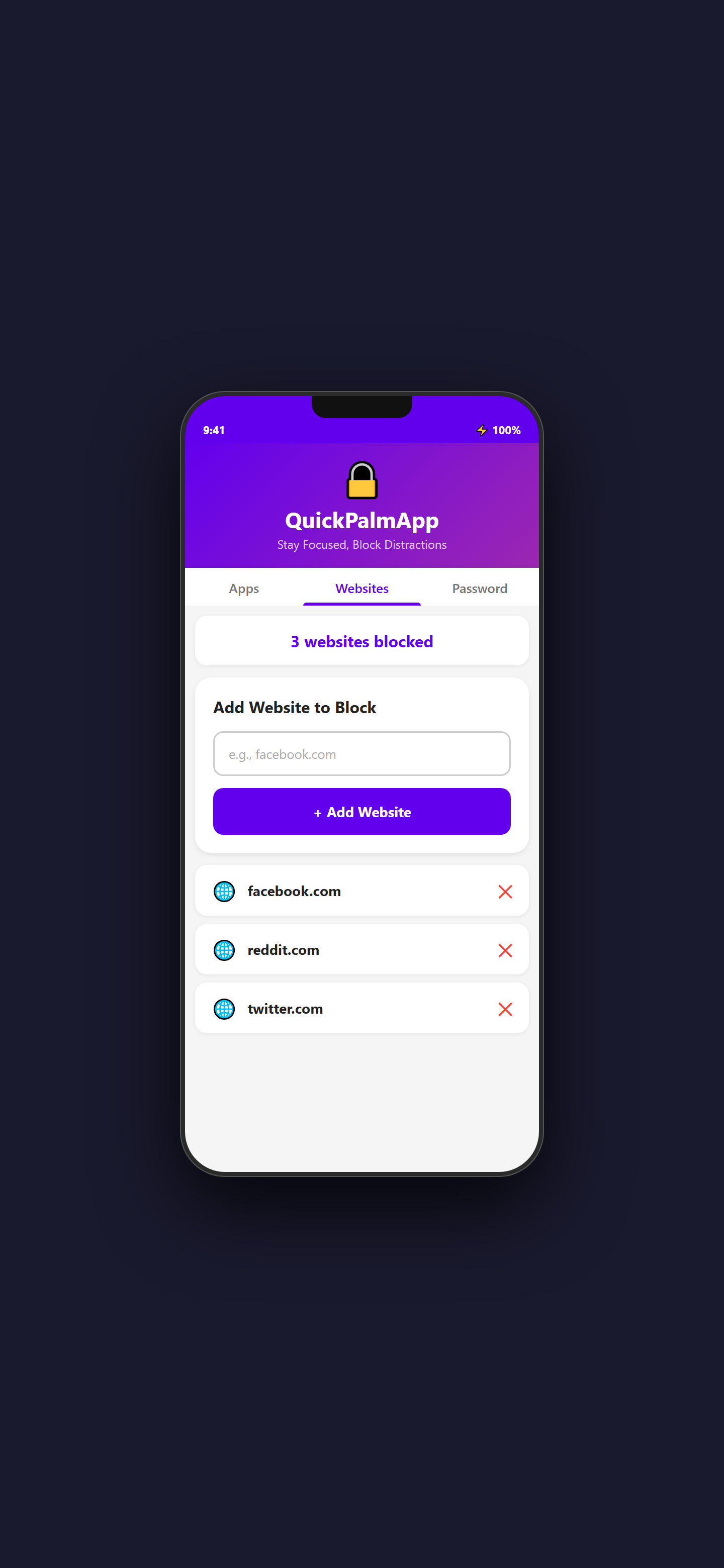
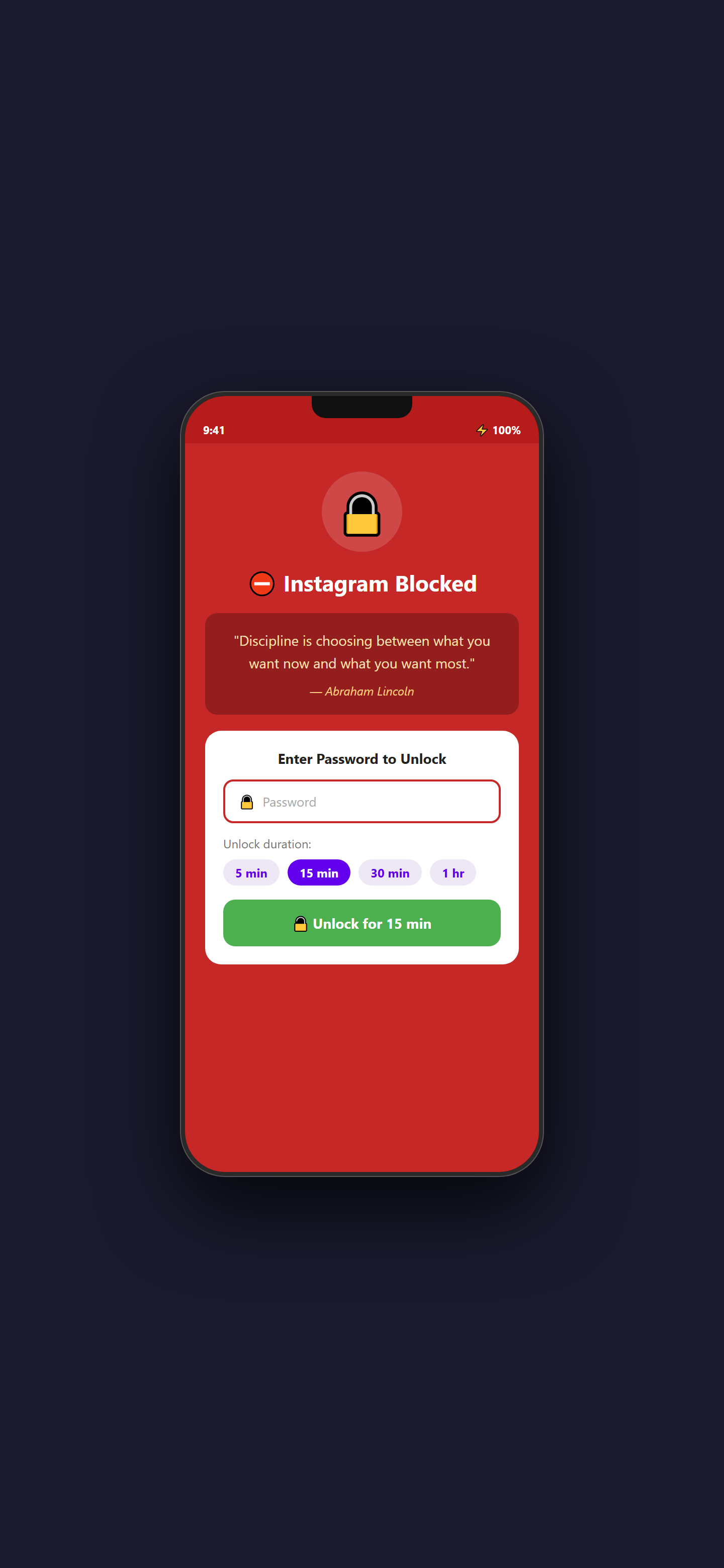
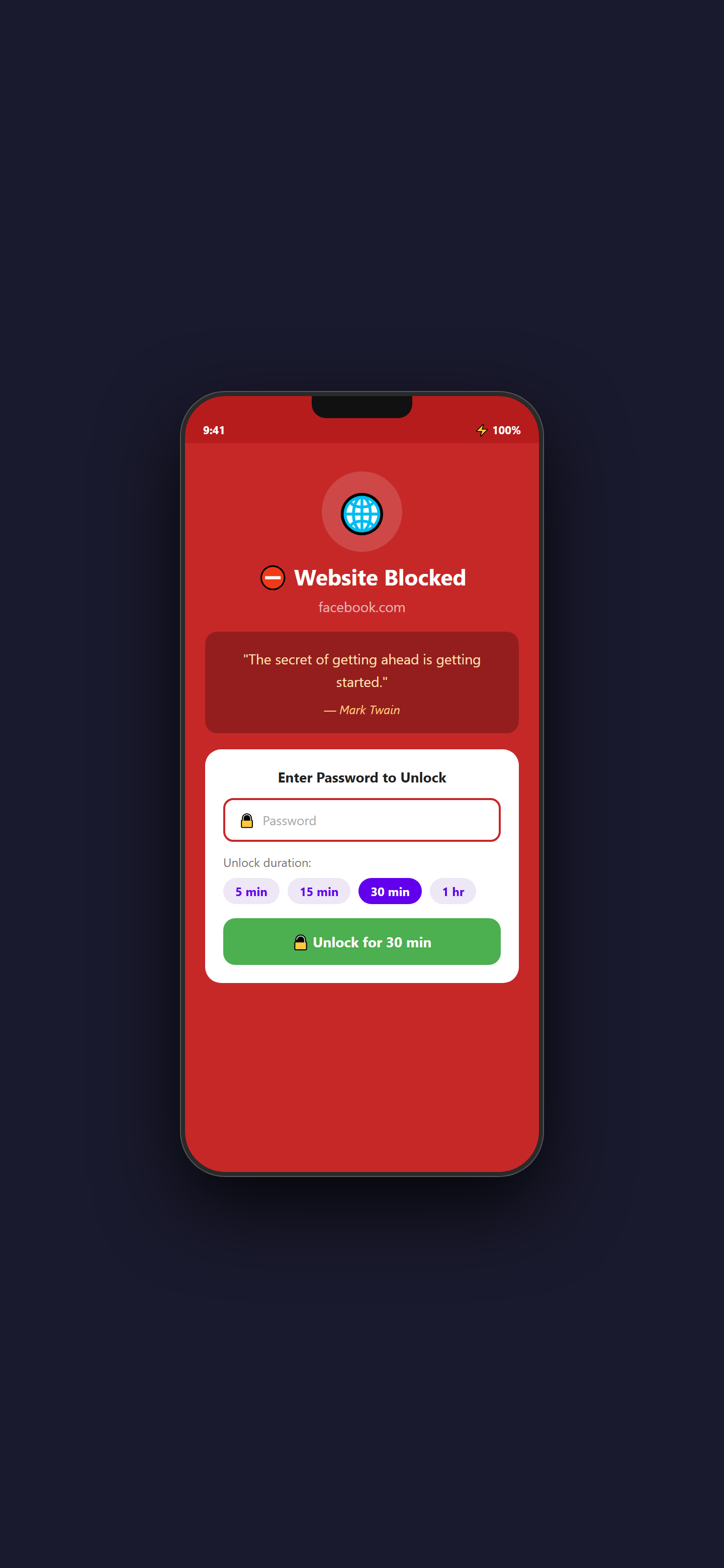
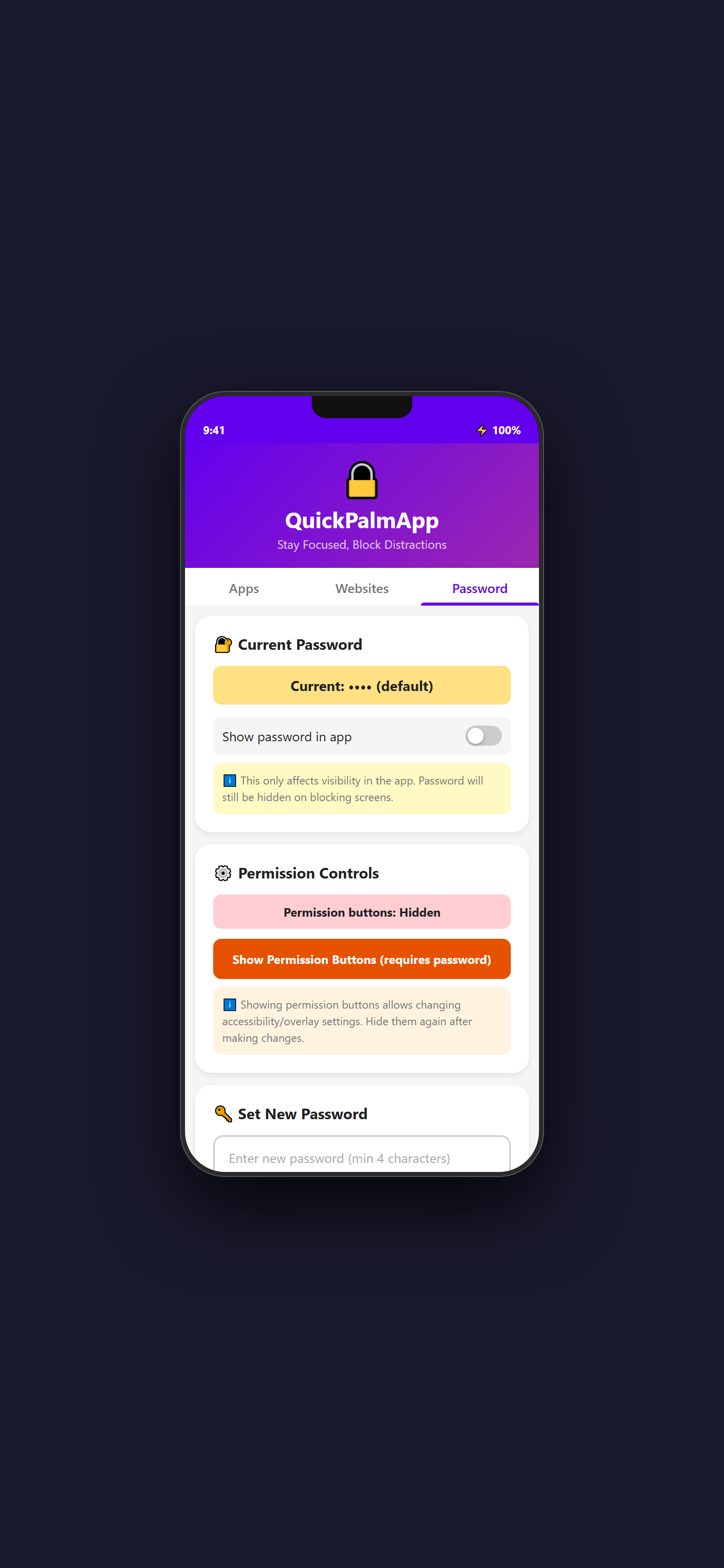
Demo Video
Built for Focus
Real-time app blocking
An Accessibility Service watches the foreground app and intercepts blocked apps (Instagram, TikTok…) with a full-screen block. The back button is disabled, so you can't just swipe away.
Website blocking (15+ browsers)
Reads the URL bar in Chrome, Firefox, Brave, Edge, Opera and more. Blocked sites are redirected to Google and shown a block screen.
Password-protected unlock
Getting past a blocked app or site requires the correct password, with no quick exits.
Timed bypass
After unlocking with your password, pick a timed pass of 1, 5, 15 or 30 minutes before it re-blocks.
Overlay countdown timer
A persistent on-screen timer (e.g. "Instagram 4m 32s") shows time left, then re-blocks instantly when it expires, even mid-browser.
Motivational quotes
The block screen shows a random motivational quote (Twain, Gandhi, Mandela…) to help you refocus.
Device Requirements
- Android 8.0+
- Accessibility permission
- Display-over-other-apps permission
Requires Accessibility permission to monitor and block apps.
This is a demo version
The build you can download here is the demo. Some of the most powerful features are reserved for the upcoming Advanced apps. Enter your email and we'll notify you the moment the full Advanced version is out.